I have spared you Gallia est omnis divisa in partes tres. Are you grateful?
Although I am sticking to the Queen’s English this time, like Caesar and what became France, I am at the third and last post on the current month Actuals in Forecast use case via the various UIs.
In part one of this series I covered what it takes to get new metadata into PBCS, in the last post I reviewed loading data (and had a mildly epic rant about Planning’s native data format), and I shall now illustrate what it takes to write and run a Calculation Manager Business Rule.
With that let’s begin.
Calculation Manager is everywhere
Calculation Manager is Calculation Manager is Calculation Manager
Using version 16.2.2.0.0 of Oracle Planning and Budgeting Cloud service, Calculation Manager doesn’t have a Simplified Interface, uh, interface. Oh you can get to Calc Mgr through the SI, but once done, it’s the same Workspace we all know and love.
Navigating to the Navigator’s Rules…
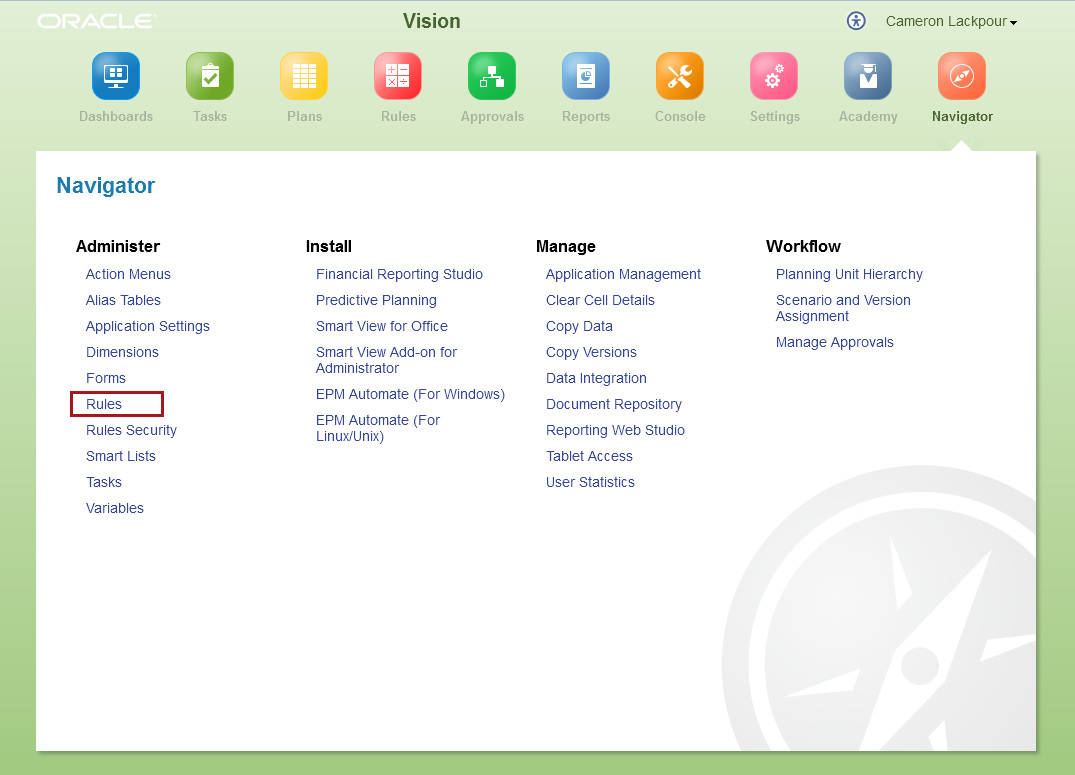
…launches (briefly) a new window…

…and then finally into good old Workspace:
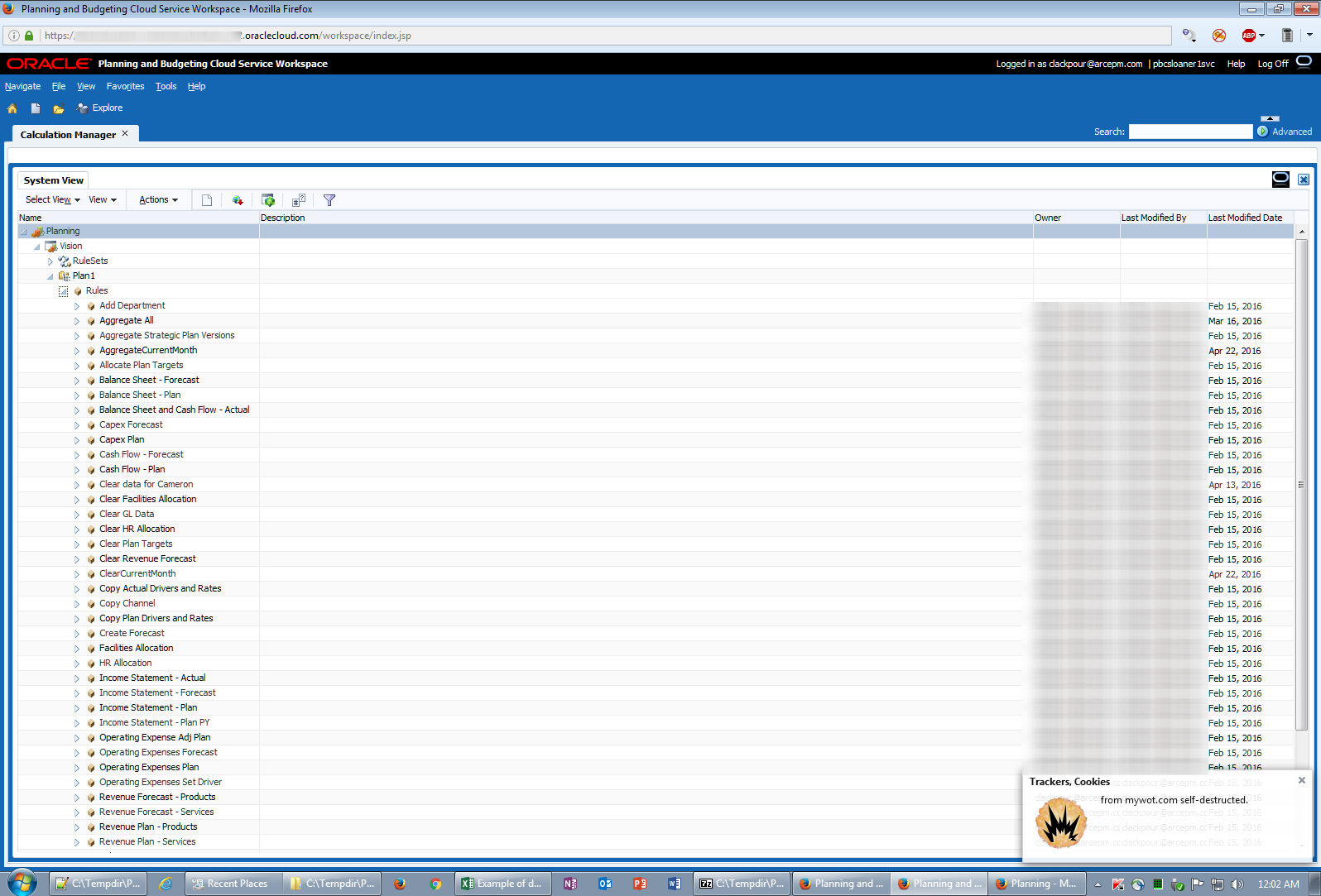
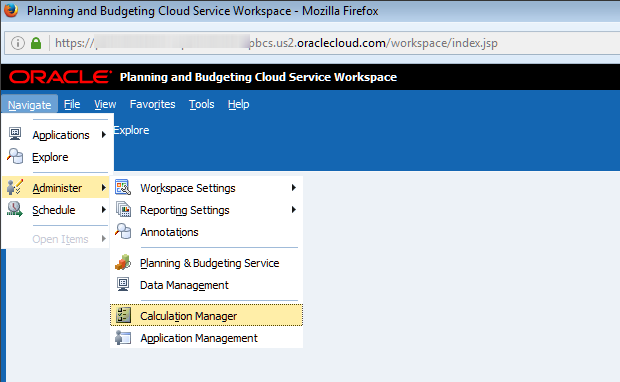
Alternatively, for those of us Bittereinders who are holding on to Workspace with every ounce of energy we can muster, it looks just like on-premises and takes us to the same Calc Mgr explorer.
What does the code actually do?
Let’s take a quick break to review the very simple code.
Again coming back to the steps that a monthly Actual load automated process has to go through, it must:
- Load new metadata
- Refresh the database
- Clear out the most current month’s data
- Load that data
- Aggregate the data
Clearing the deck
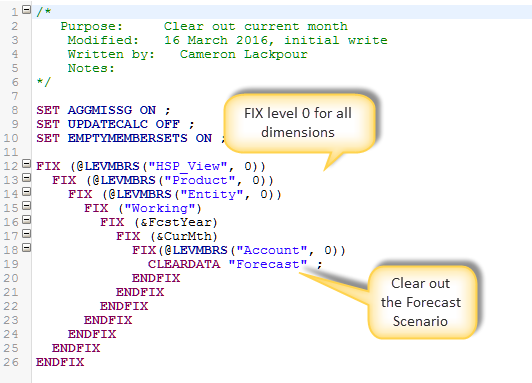
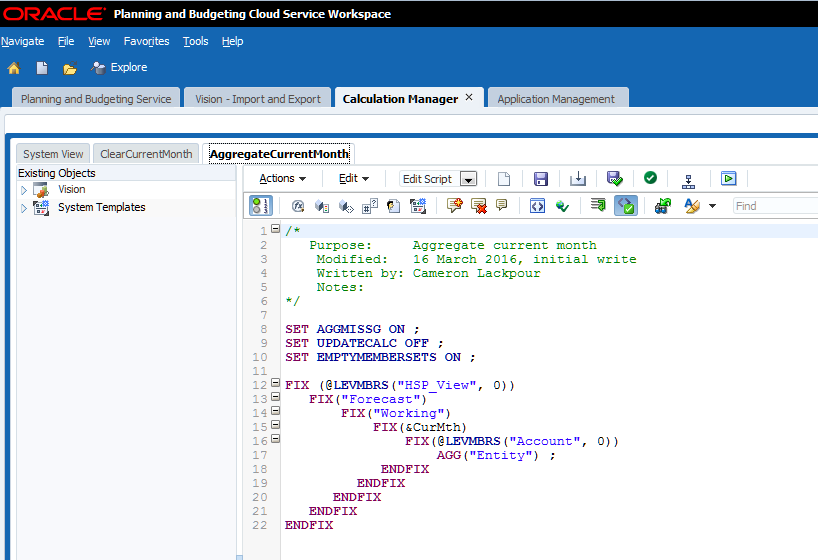
The data clear is simple. I’m showing it in PBCS but the code is the same in on-premises.
The logic is simple – FIX on all level 0 members for the current month using the Essbase Substitution Variable &CurMth to clear out the Forecast Scenario. Easy-peasy.
Sum of the parts
After the data has been loaded there’s an even easier aggregation of the Entity dimension. Believe it or not, in the PBCS Vision application all other dimensions are either fully dynamic sparse or dense so there’s just Entity that needs to be aggregated.
Executing Business Rules
Traditional from Workspace
Whether on-premises or PBCS, Workspace navigation is the same:
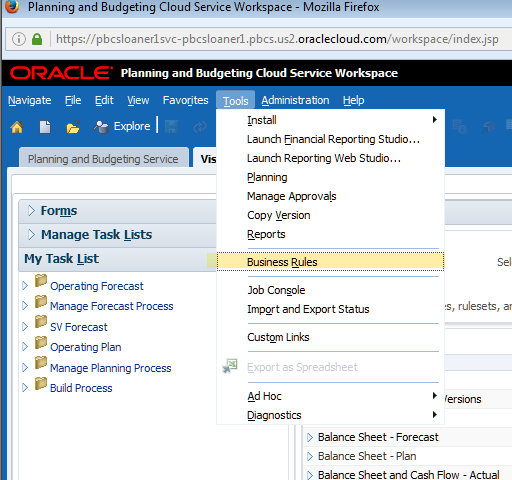
And then run from the list:

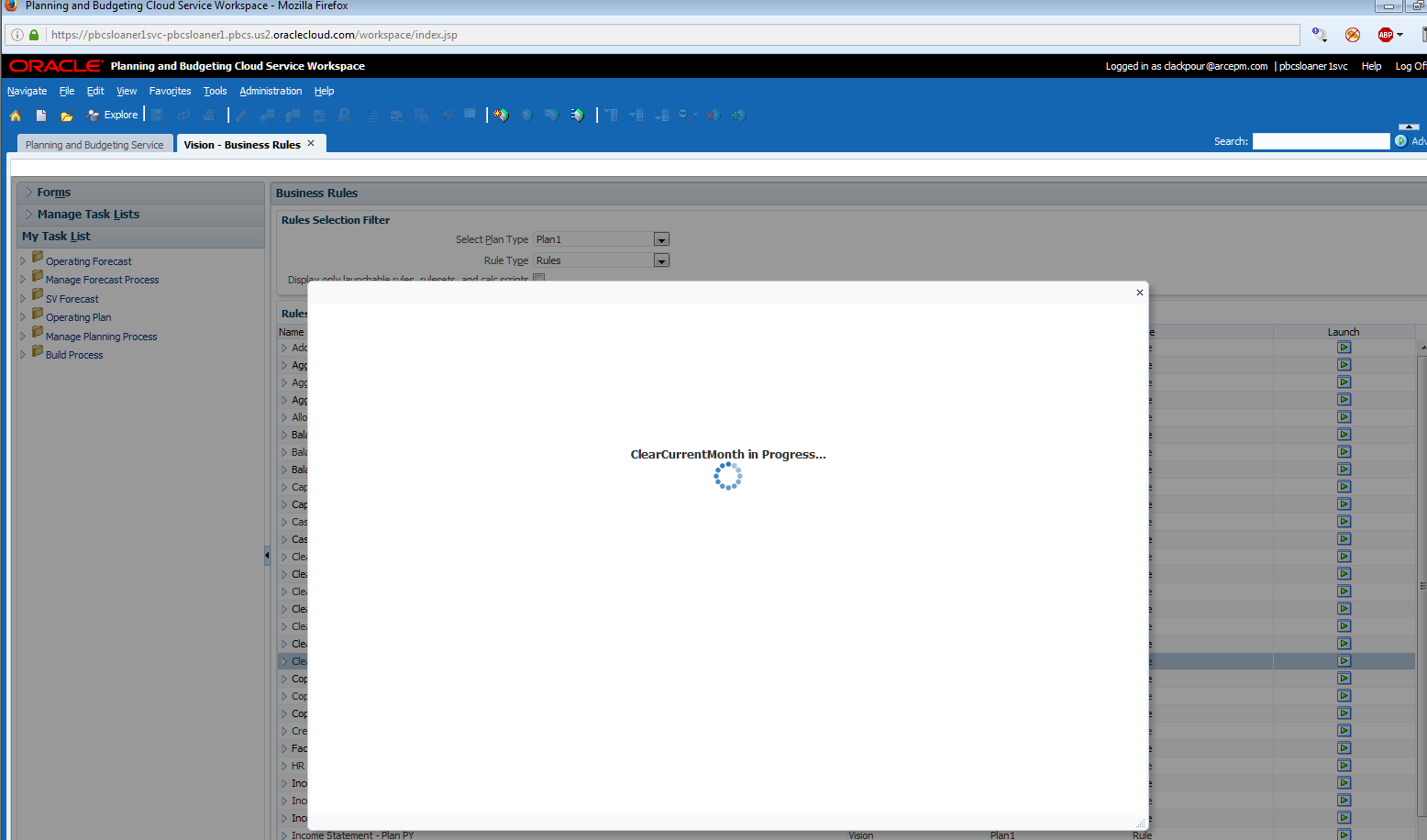
It runs:
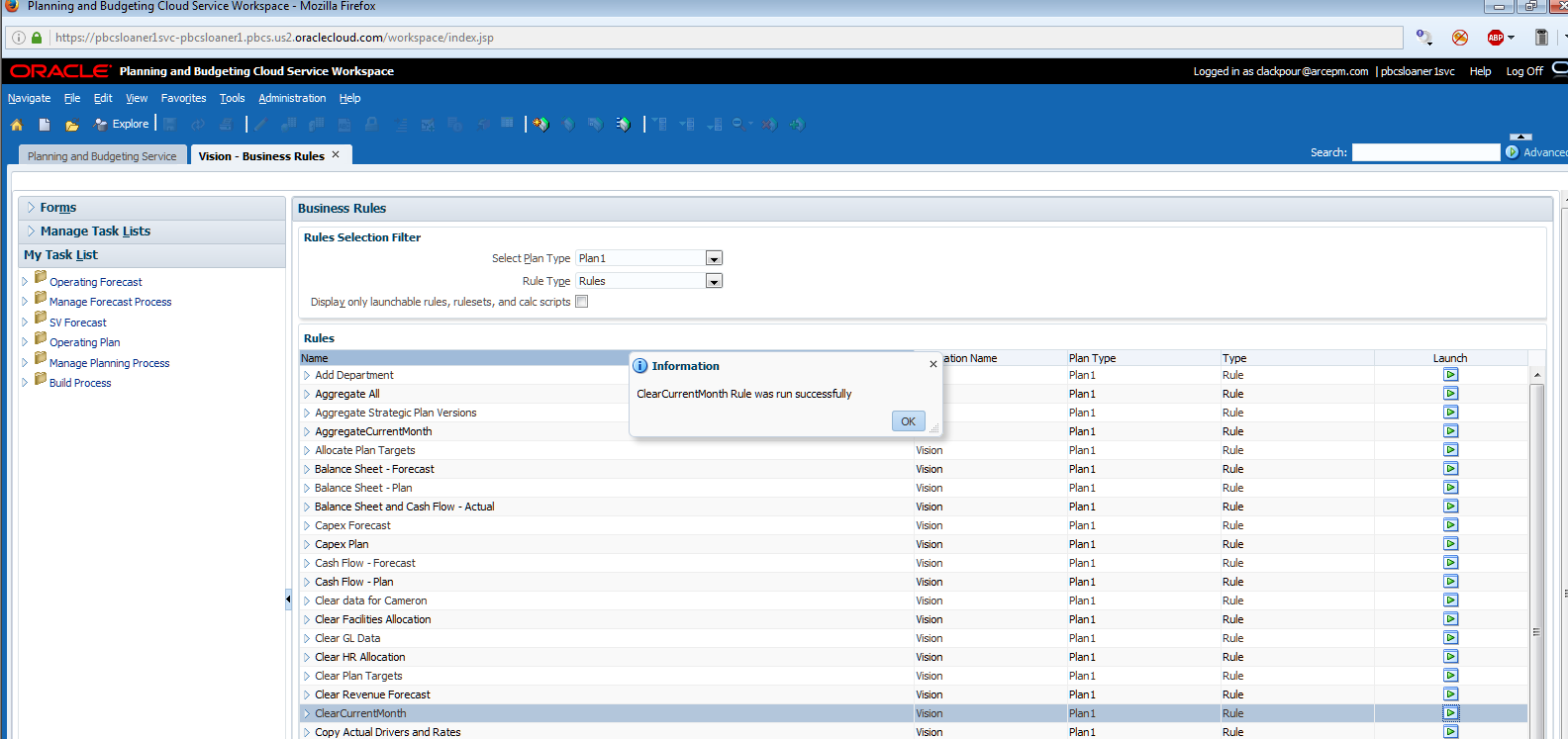
It’s done:
Simplified Interface
In the SI, things are a bit different but conceptually it’s the same.
Navigate to Rules:
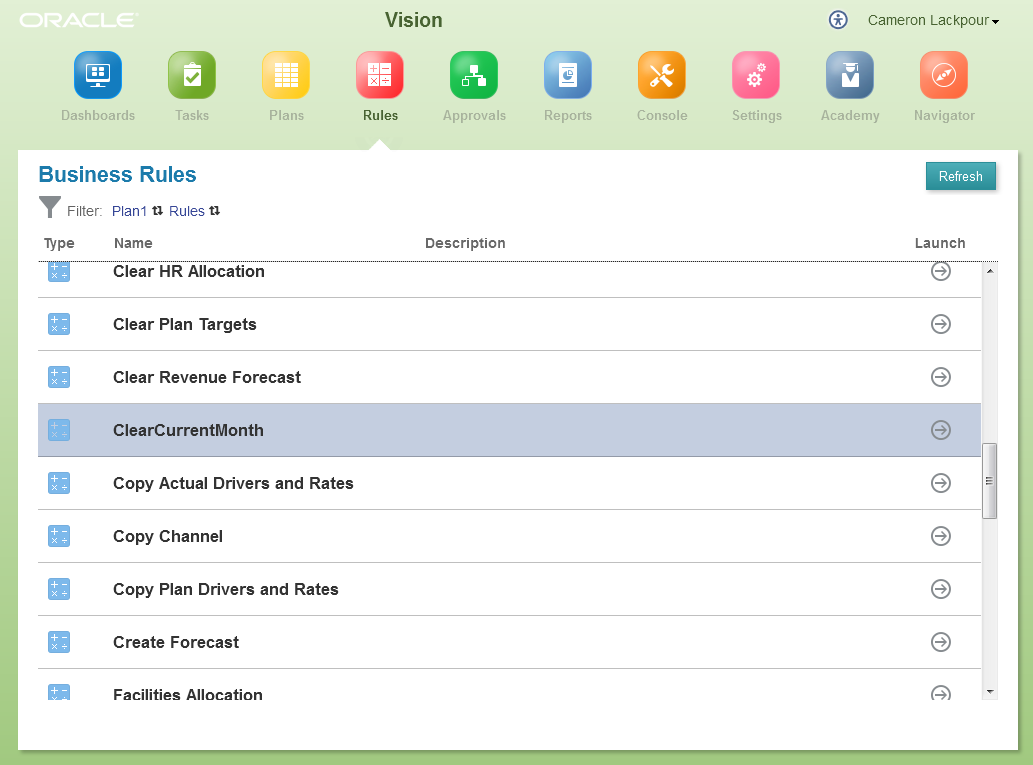
Find the one you want, in this case ClearCurrentMonth, and run it.
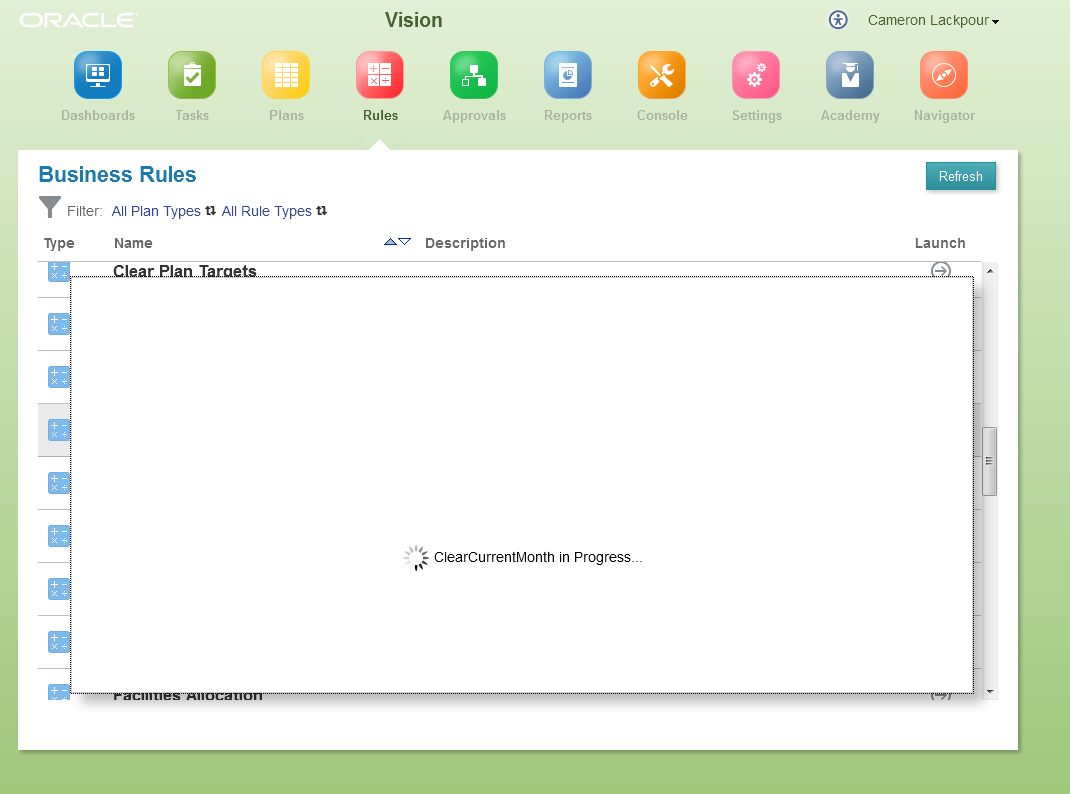
No confirmation message pops up when complete. Instead go back to the good old Console’s Jobs tab to see the results:

Smart View
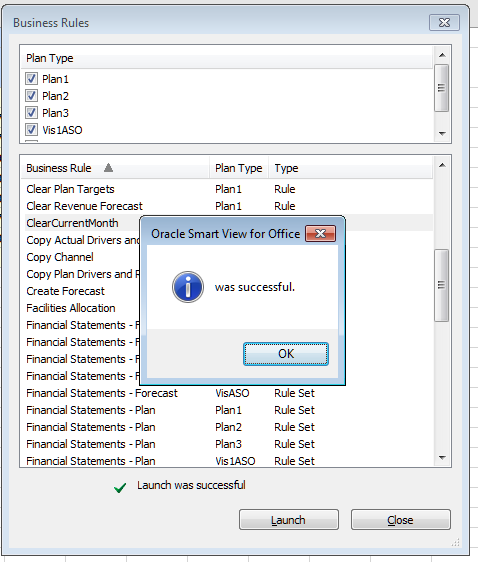
Finally, it’s possible to run business rules from Smart View – both on-premises and PBCS work the same way:
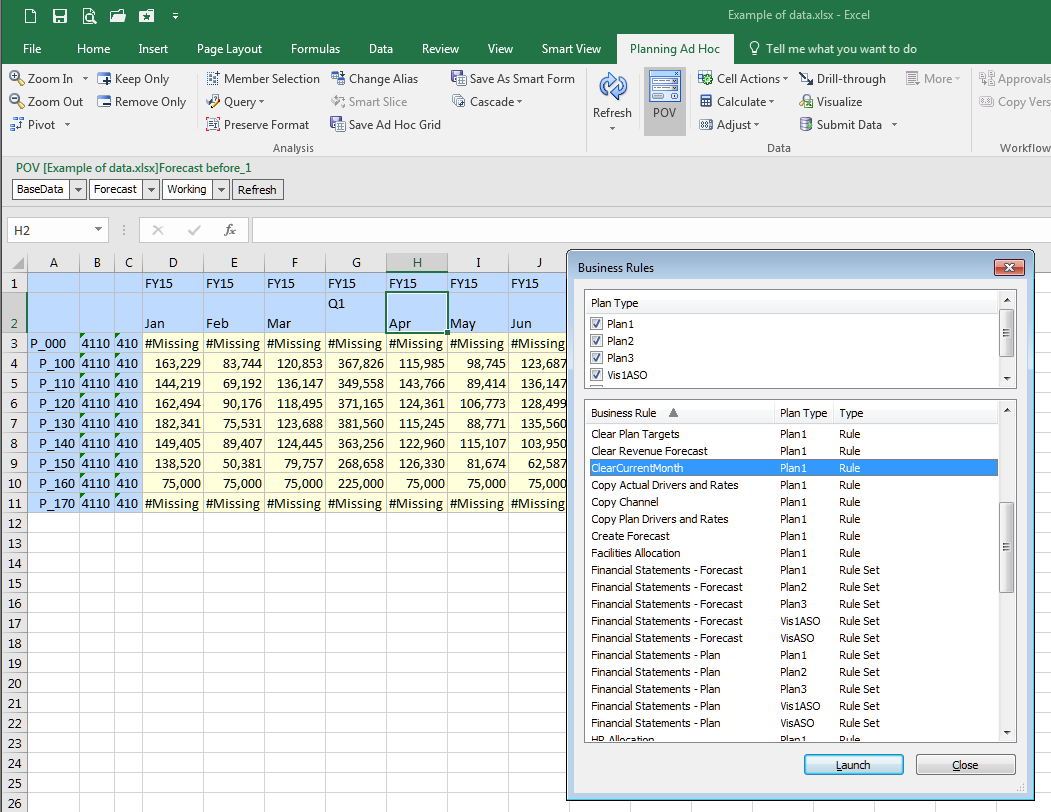
Just as with Workspace and SI, there’s notification of both execution:
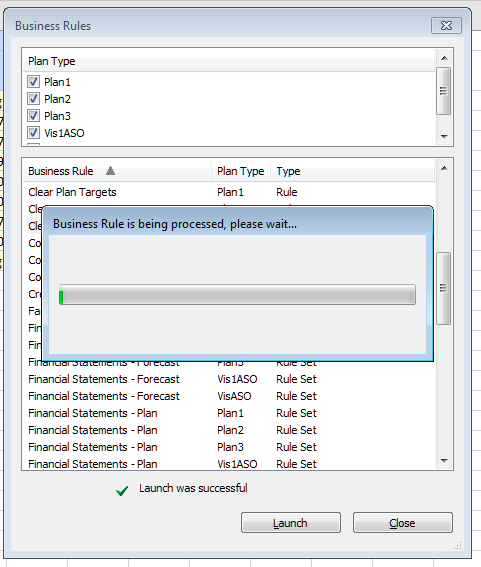
And completion:
How many ways to skin this cat? Four.
Other than the title bar that says, “Planning and Budgeting Cloud Service Workspace” can you see a subtle addition to the Calc Mgr code snippet above? Look on the top toolbar in the editor. See it? No? It’s oh so little and yet oh so useful.

Let’s make it a bit more explicit. 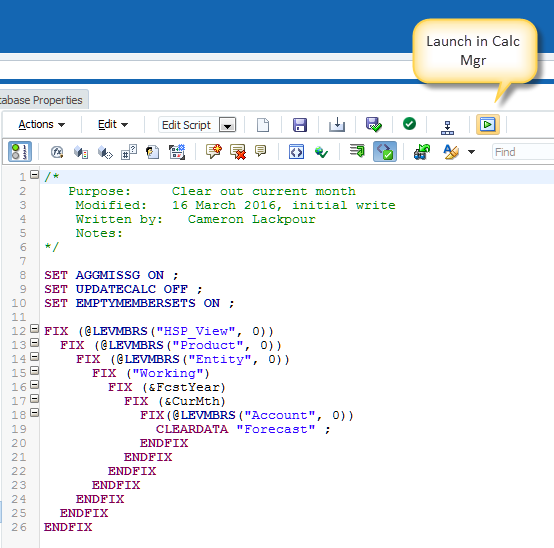
That launch button is not in on-premises like so many other functions. Sigh.
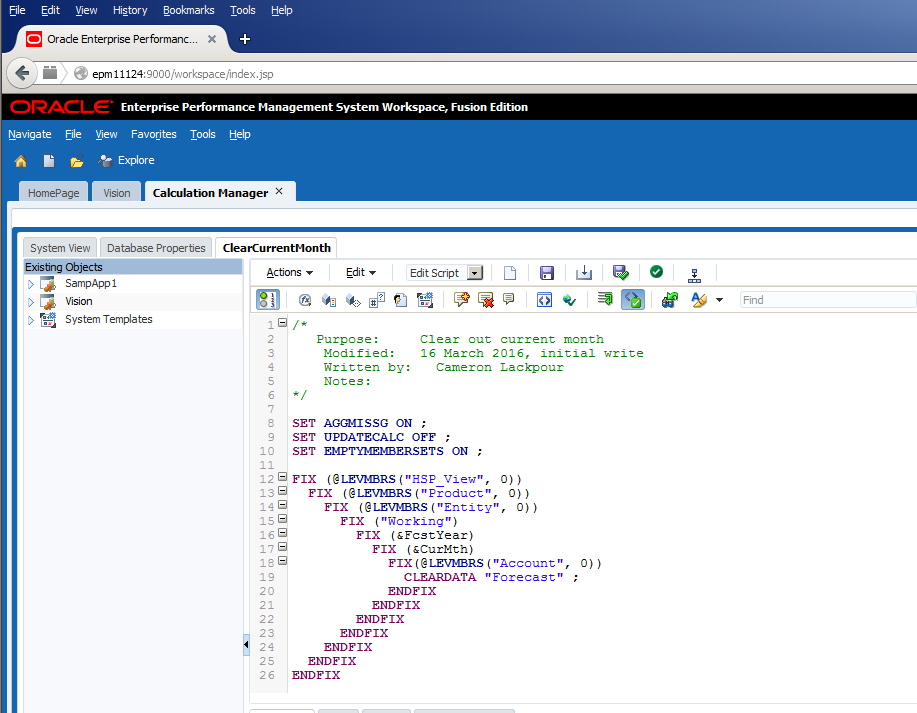
Putting aside my eternal lament about feature parity, this is Yet Another Pretty Cool PBCS Function (YAPCPF, pronounced yapkapfif). No more need to deploy the rule to Planning to test it although for Workspace, the SI, and Smart View that will have to be done.. Fwiw, if you didn’t find it, be glad because I had to really exercise my inner OCD to see the difference as I compared icon-by-icon-by-icon across the two platforms.
Clicking on that button delivers a Validation before run (remember, if it’s deployed it’s validated):
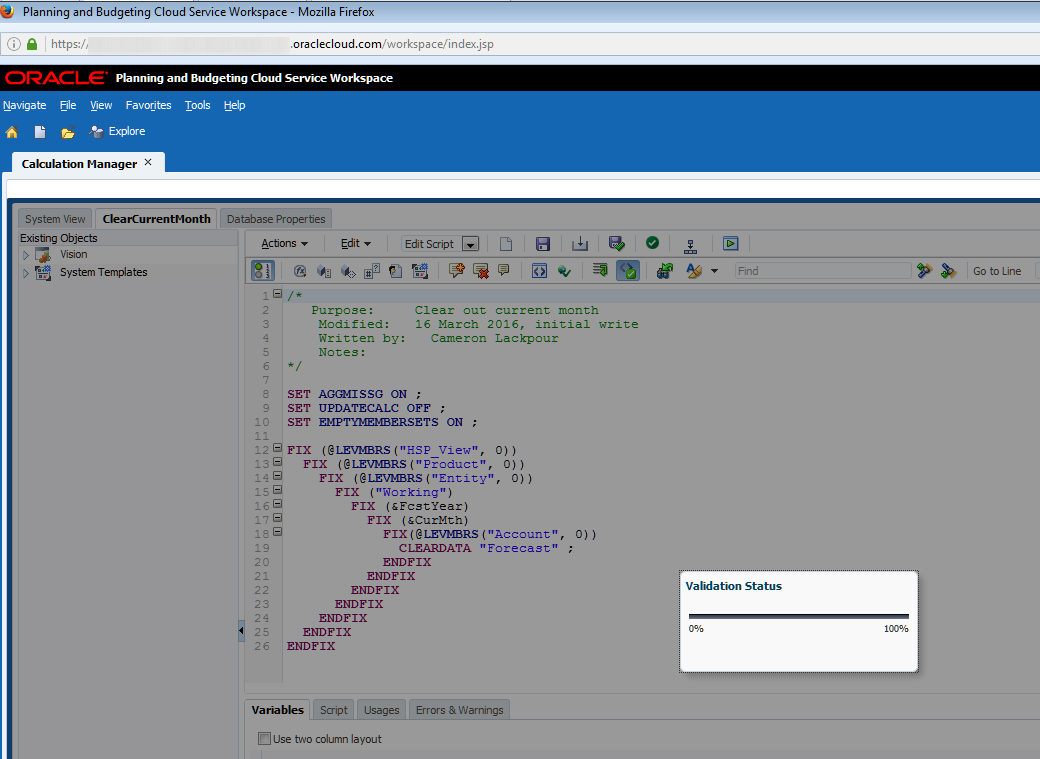
And then a processing message:
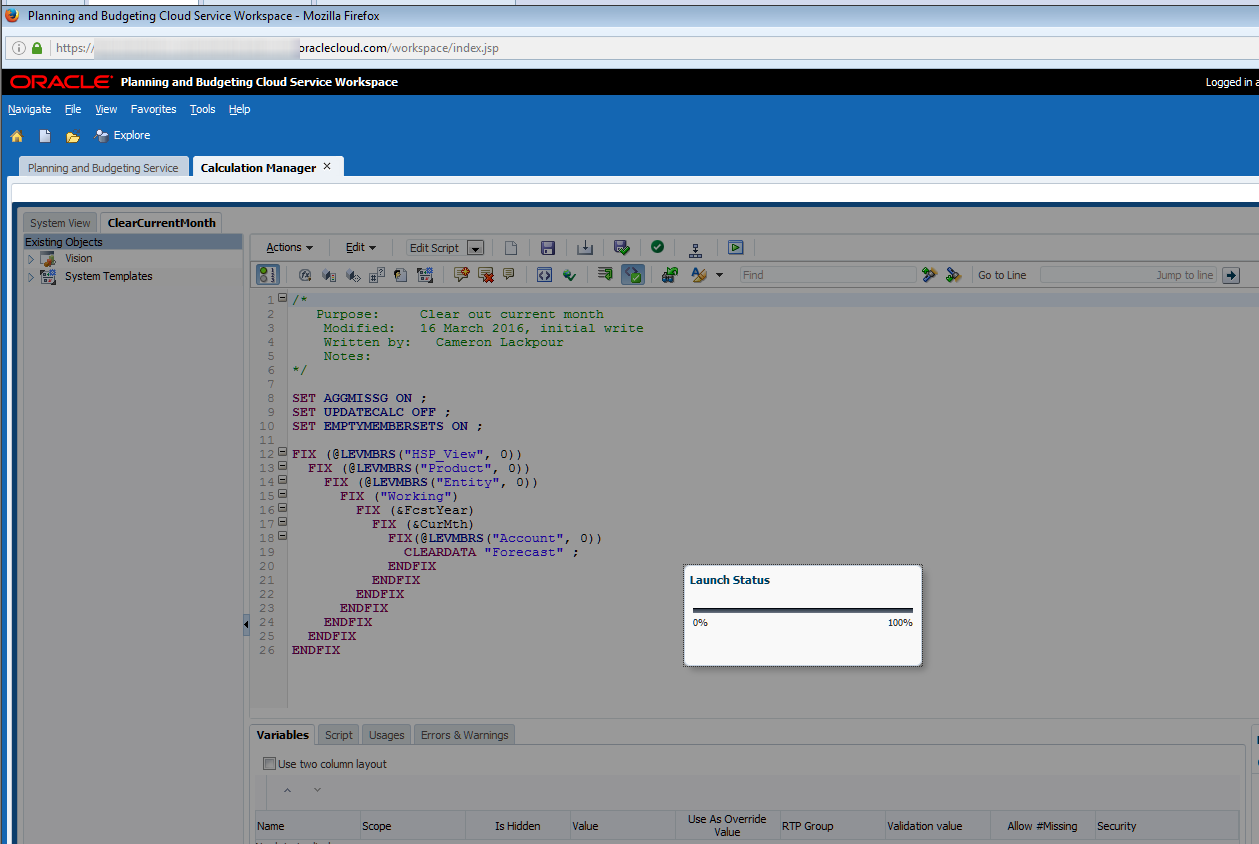
And then finally a completion message:
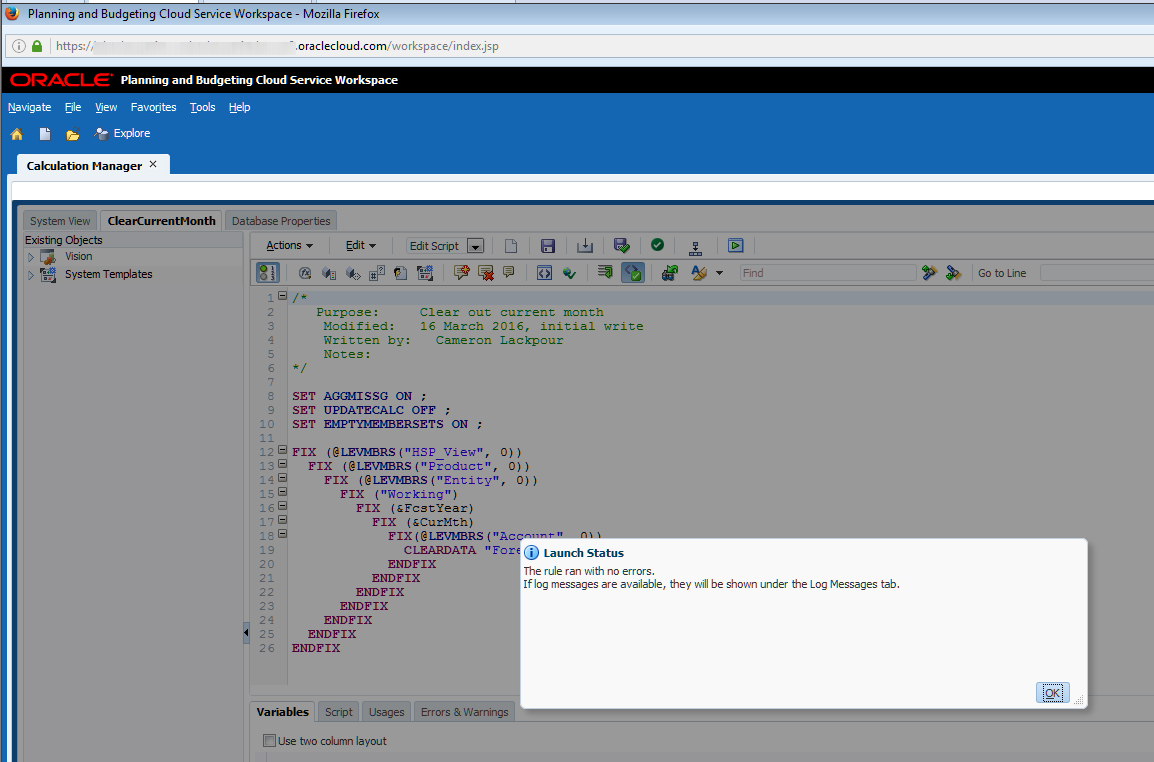
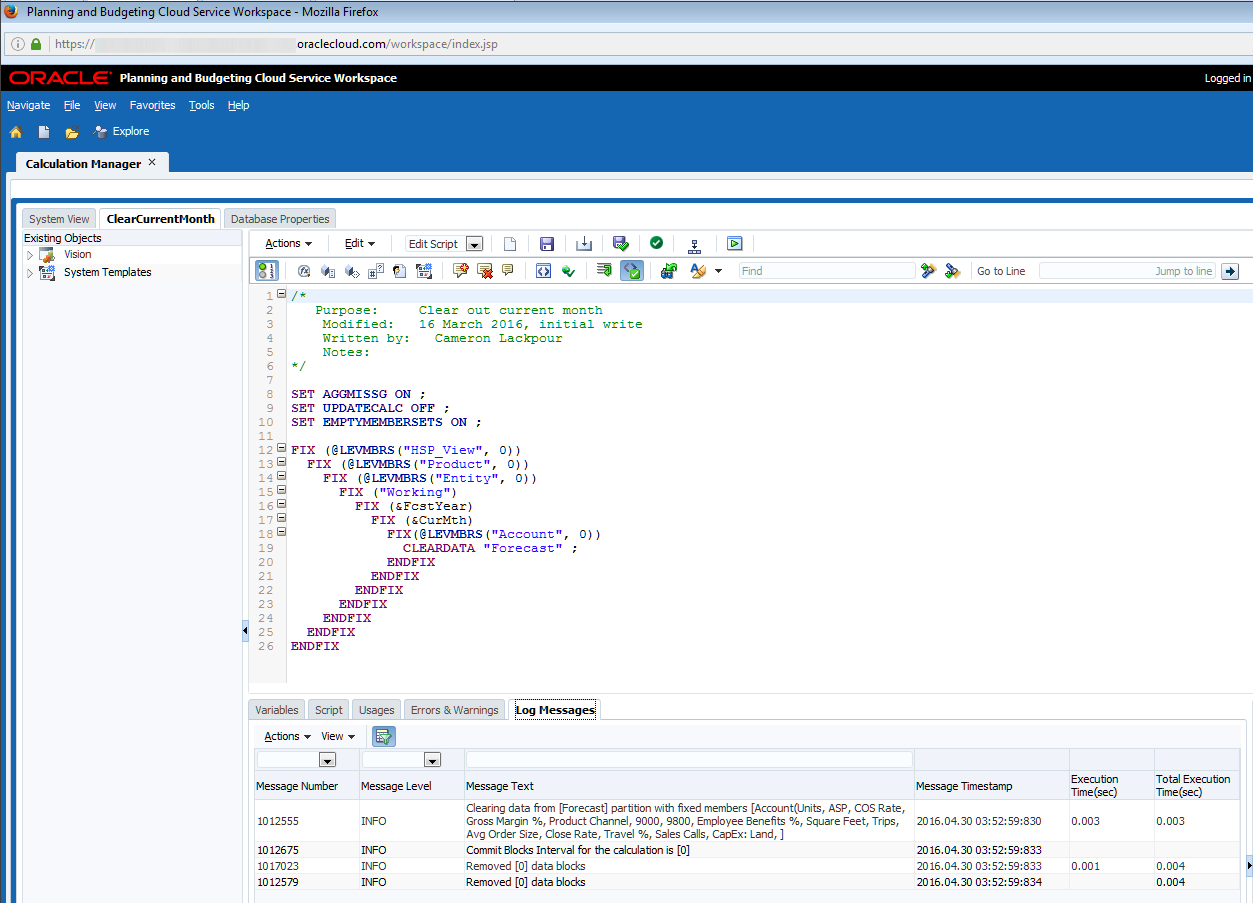
Btw, there’s a Log Messages panel in Calc Mgr to give you log file information. Note that there is no other way to get to the log file. Bummer on that one.
So what’s it all supposed to do?
Let’s take it in calculation steps.
Assuming this:

The ClearCurrentMonth business rule gets executed. As July is the current month and there is no data, nothing changes.
Data gets loaded in as per The Compleat Idiot's Guide to PBCS, No. 11, PBCS and data which now looks like:
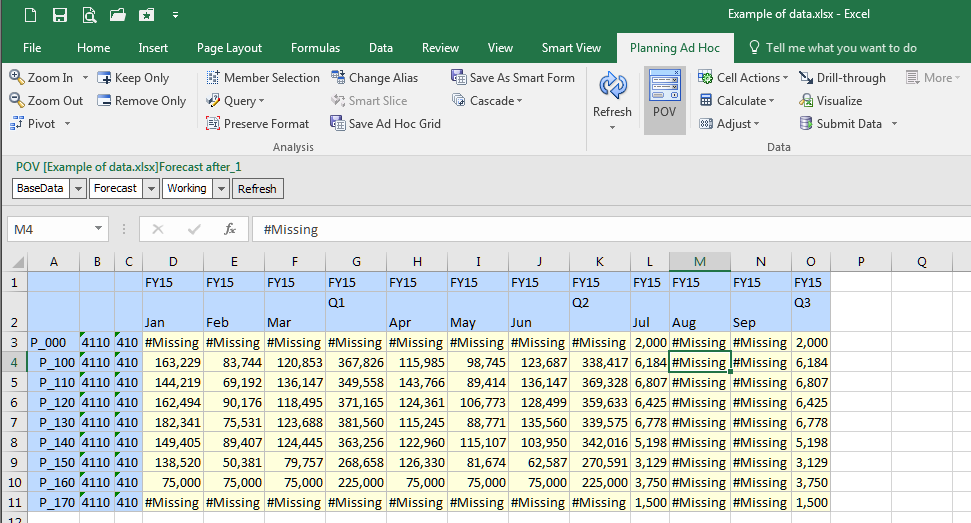
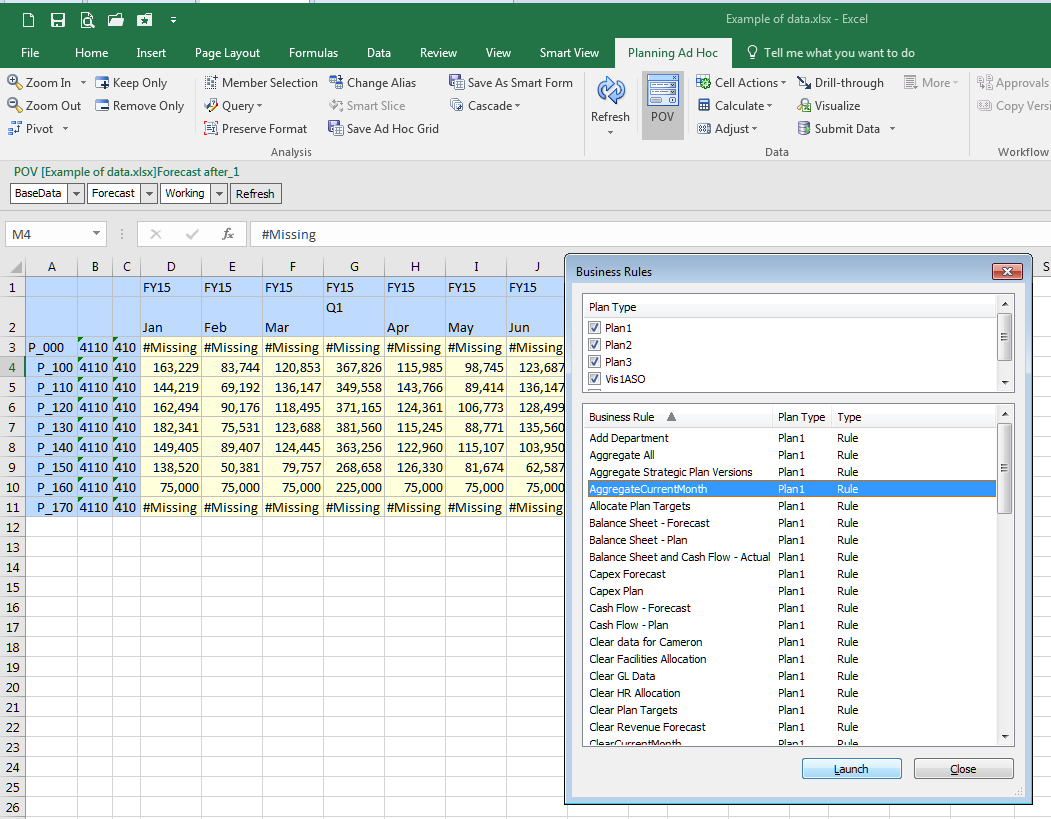
To aggregate it, run the AggregateCurrentMonth rule. I chose to run it from Smart View but it could happen in Workspace, the SI, or Calc Mgr itself:
Ta da, aggregated data:
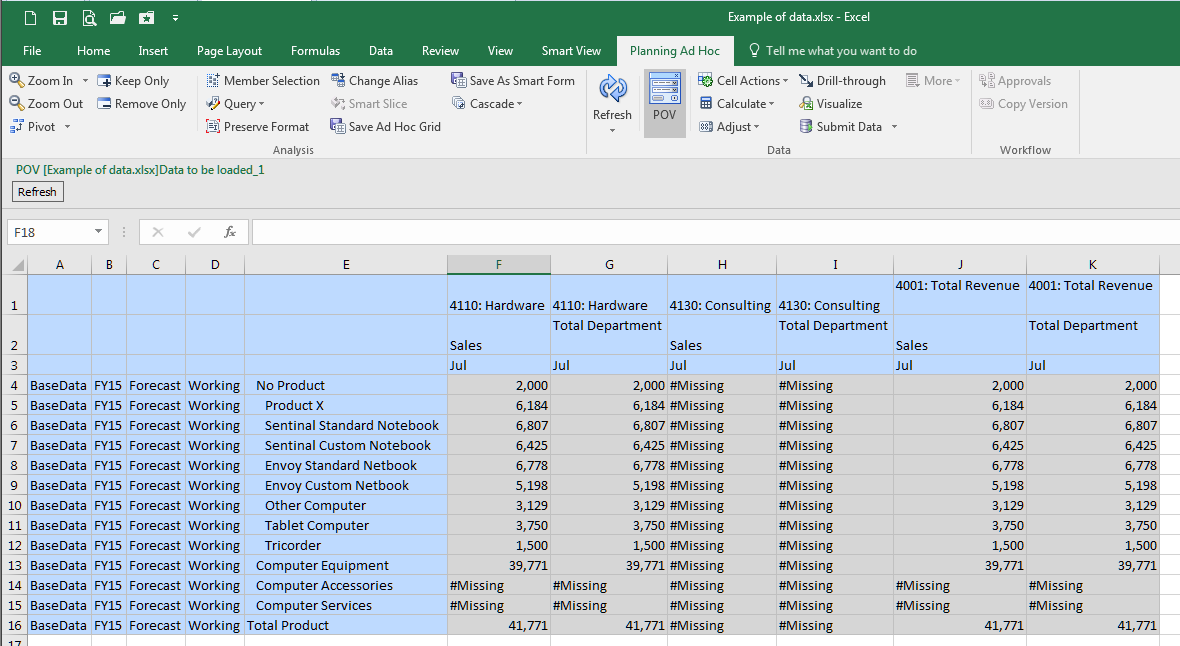
Btw, I am almost resigned used to working with Planning ad hoc forms in lieu of Essbase ad hoc connections. Almost.
Summing it all up
If I were to look at the four approaches and count clicks as a way of measuring complexity, I see the following:
- Workspace – four including clicking on OK when the process is finished
- Simplified Interface – four including navigating to the Jobs console
- Smart View – six including closing the Business Rules dialog box
- Calc Mgr itself – two assuming being already in the editor
So not much of a difference in terms of effort between traditional Workspace and the Simplified Interface.
PBCS really moves beyond on-premises with that ostensibly simple ability to run the business rule from within the editor. No more writing the code, deploying it, watching it fail/having useless junk in your Planning application. Instead, just write, run, edit, run, edit, run, approve, deploy, drink a celebratory beverage of your choice.
Let’s take stock of where we are with this series:
- Compleat Idiot's Guide to PBCS No. 10, PBCS and metadata illustrated loading metadata and refreshing the Planning application.
- The Compleat Idiot's Guide to PBCS, No. 11, PBCS and data reviewed how to load data.
- This post showed how to calculate.
With those three posts we’ve covered how to interactively load current Actual into Forecast. That’s all well and good but in the real world no one (hopefully) would ever do this. Instead it needs to be scripted so it can be run on demand or through a scheduler.
And that scripting process for both on-premises and PBCS will be the subject of the next post. Expect to see quite a few differences between the two platforms. You’ll have to decide which one is the best for you although I think that will be pretty obvious.
Be seeing you.


